MaterialEX 2.3.5 · PBR painting for Windows and Linux
The Substance Painter alternative, without subscriptions or monthly fees
Paint PBR materials straight onto your 3D models, with shadows and reflections traced in real time, and take them to Blender, Unreal, Unity or Godot. Or ask your AI assistant to do it, over MCP.
One-time purchase. Windows 10 and 11. On Steam it releases on 1 December, at US$12.99, for Linux too.
- smart materials
- 42
- procedural patterns
- 23
- ready-made brushes
- 18
- engine presets, plus your own
- 5
- per document, with the ceiling you set
- 8K
In short
Paint on the model
The stroke measures its distance on the model, not on the unwrap: it crosses UV seams without breaking and reaches what is off screen.
Materials that read your mesh
Each smart material rebuilds itself on your model's baked curvature, occlusion and height: wear lands on the edges your piece actually has.
Ready for the engine
PNG textures with the channels in the order Unreal, Unity, Godot or Blender expect, and a self-contained GLB.
01 · MCP server
Let an assistant texture for you
MaterialEX includes an MCP server: Claude, Cursor or any compatible assistant opens your models, bakes them, applies materials and PBR sets, exports and saves. The assistant only writes the recipe; MaterialEX does the work on your machine, with no cloud.
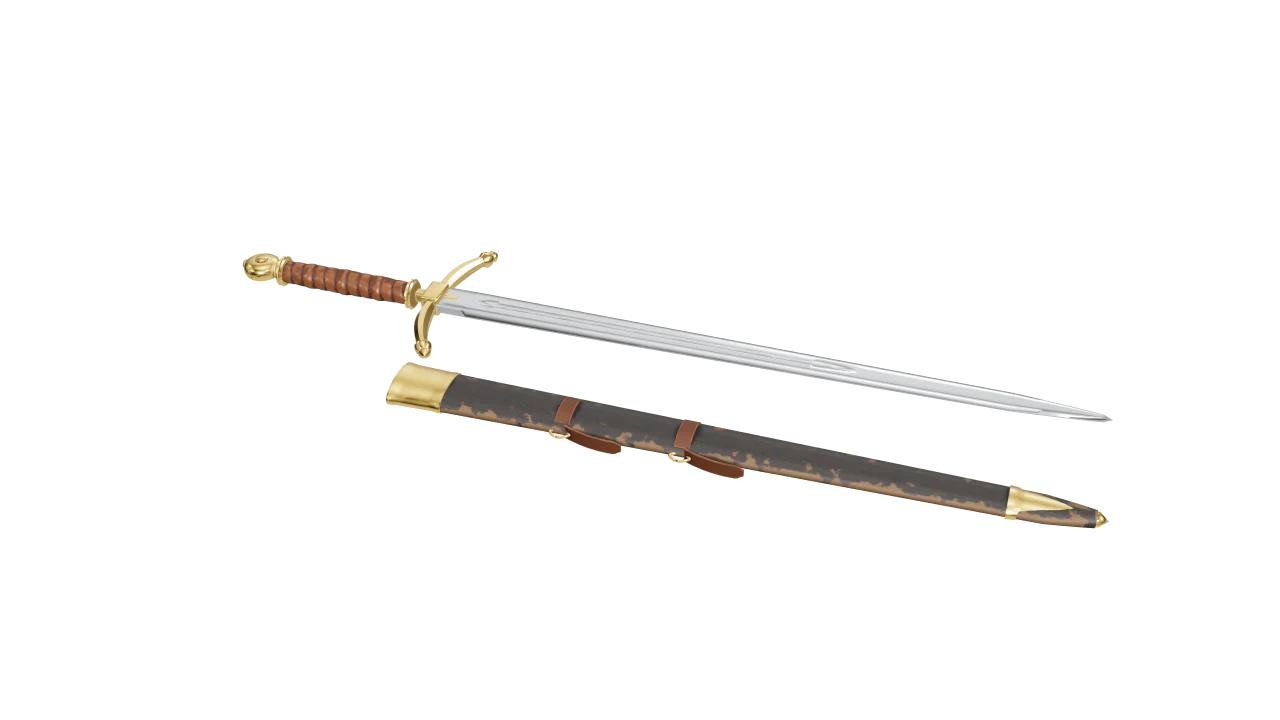
«Open espada.glb and bake it. A polished blade with grime only in the fuller, satin steel on the guard and the pommel, and my scanned leather on the grip, almost black. Export the GLB and save the project.»
{
  "modelo": "espada.glb",
  "hornear": true,
  "materiales": [
    { "material": "Cromo", "en": "Hoja",
      "mandos": { "tinte": [0.86, 0.87, 0.9] } },
    { "material": "MugreEnCavidades", "en": "Hoja" },
    { "relleno": { "rugosidad": 0.17 }, "en": "Hoja" },
    { "pbr": "pbr/Leather030/…_Color.png", "en": "Puno",
      "proyeccion": "triplanar", "repeticiones": 16 },
    { "relleno": { "color": [0.075, 0.042, 0.028] },
      "en": "Puno", "fusion": "Multiplicar" },
    …
  ],
  "exportar": { "glb": true },
  "guardar": "espada.mtex"
}
MaterialEX bakes the three materials, applies ten layers —catalogue materials, a scanned PBR set and fills—, exports the GLB and saves the project. Nobody touched the interface.
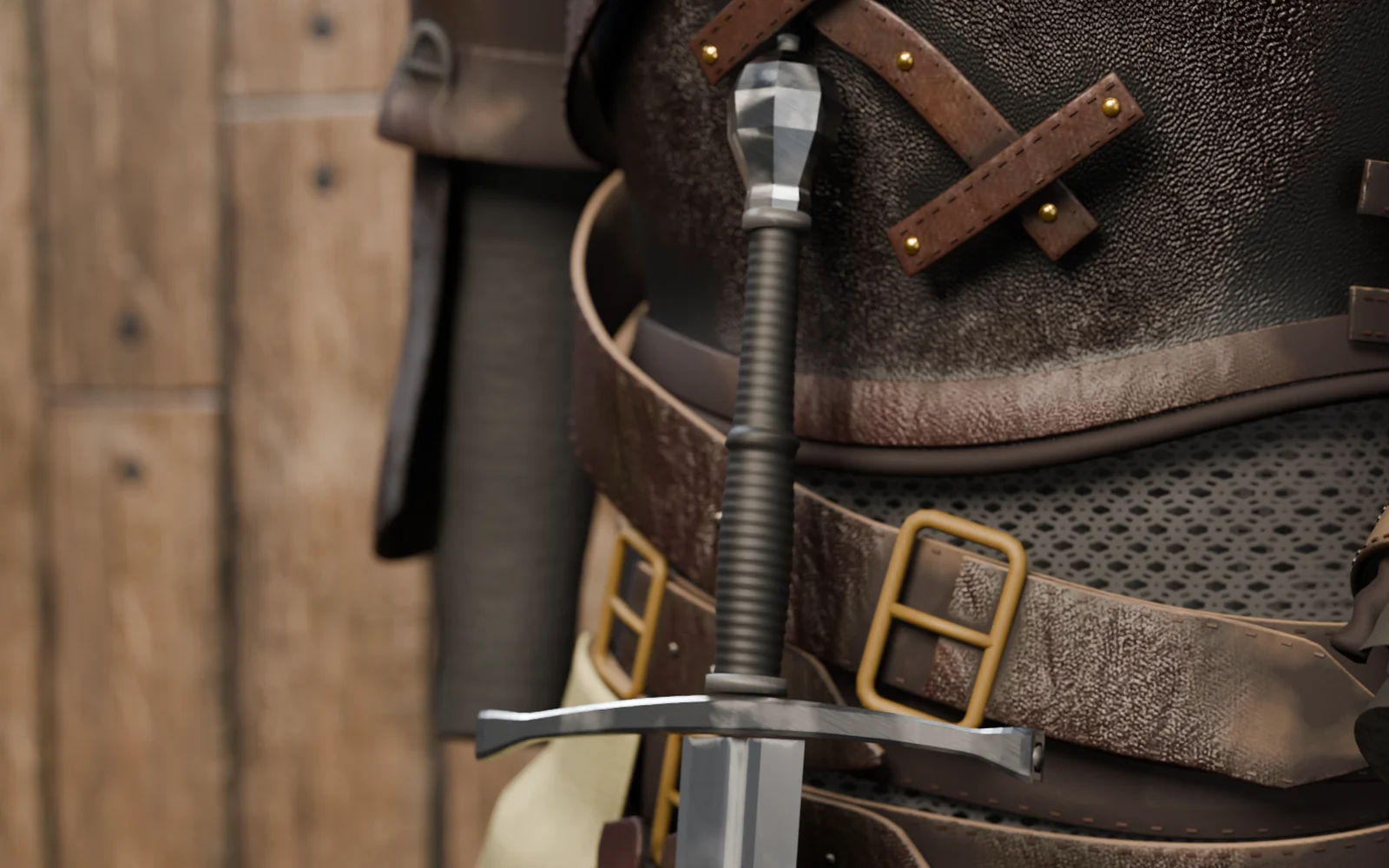
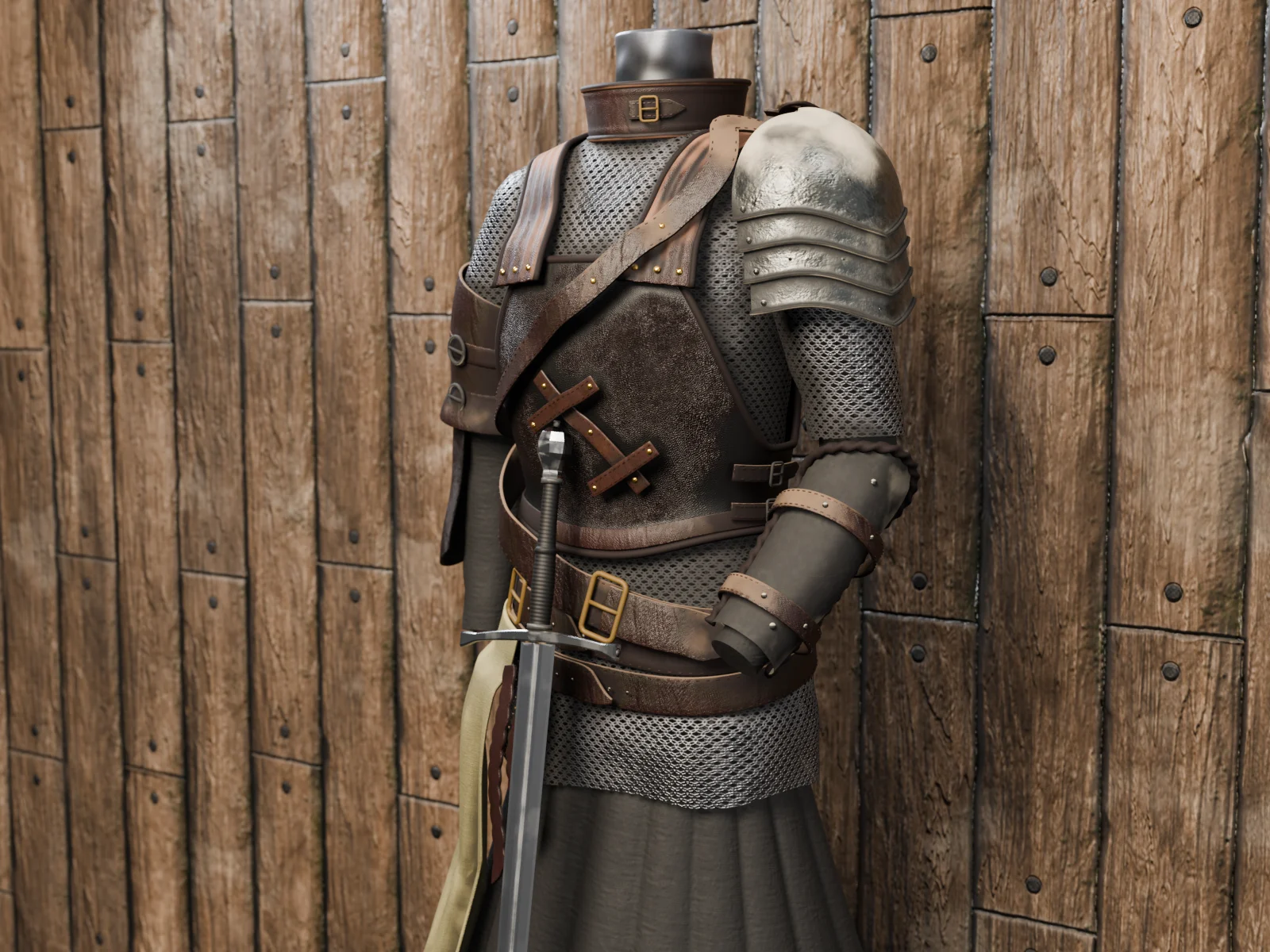
«Texture armadura.glb with my scans: leather on the breastplate and the straps, each in its own tone, worn steel on the pauldron and linen on the gambeson. Chainmail at 4096, brass on the buckles, grime in the crevices and dust on top. Save the project.»
{
  "modelo": "armadura.glb",
  "resolucion": 2048,
  "lados": { "Cota": 4096, "Peto": 4096 },
  "hornear": true,
  "materiales": [
    { "pbr": "pbr/Leather030/…_Color.png", "en": "Peto",
      "proyeccion": "triplanar", "repeticiones": 9 },
    { "material": "MugreEnCavidades", "en": "Peto" },
    { "relleno": { "color": [0.085, 0.045, 0.03] },
      "en": "Peto", "fusion": "Multiplicar" },
    { "material": "CotaDeMalla", "en": "Cota" },
    { "pbr": "pbr/Metal038/…_Color.png", "en": "Acero" },
    …
  ],
  "exportar": { "glb": true, "blend": true },
  "guardar": "armadura.mtex"
}
Eleven materials and thirty-seven steps: scanned PBR sets as the base, grime and dust from the catalogue on top, and multiply fills that tint each leather. The chainmail has real holes: you can see the gambeson through it.
Install MaterialEX
From the Microsoft Store. It leaves the
materialexcommand ready in any terminal.Connect it to your assistant
In Claude Code, one line:
claude mcp add materialex -- materialex --mcpIn Claude Desktop, Cursor and the rest, in their MCP configuration file:
{
  "mcpServers": {
    "materialex": {
      "command": "materialex",
      "args": ["--mcp"]
    }
  }
}
Ask in your own words
The assistant checks which materials there are, writes the recipe and tells you what came out, step by step: what was done, what was not and why.
What a recipe can do
Open glTF, GLB, .blend or .mtex; bake every material of the model; apply catalogue materials with their wear, pattern and tint; apply PBR sets from your library with their projection; add fill layers with a blend mode; choose the resolution of each material; export textures, GLB and .blend; and save the project. Each recipe runs in its own process, so one that fails does not take the server down. Without an assistant, the same recipe runs with materialex --receta work.json.
02 · Version 2.3.5
New in 2.3.4 and 2.3.5
The biggest update so far: the catalogue grows to 42 materials, the pen feels pressure, the finish is painted by zone and a model without UVs opens and gets painted.
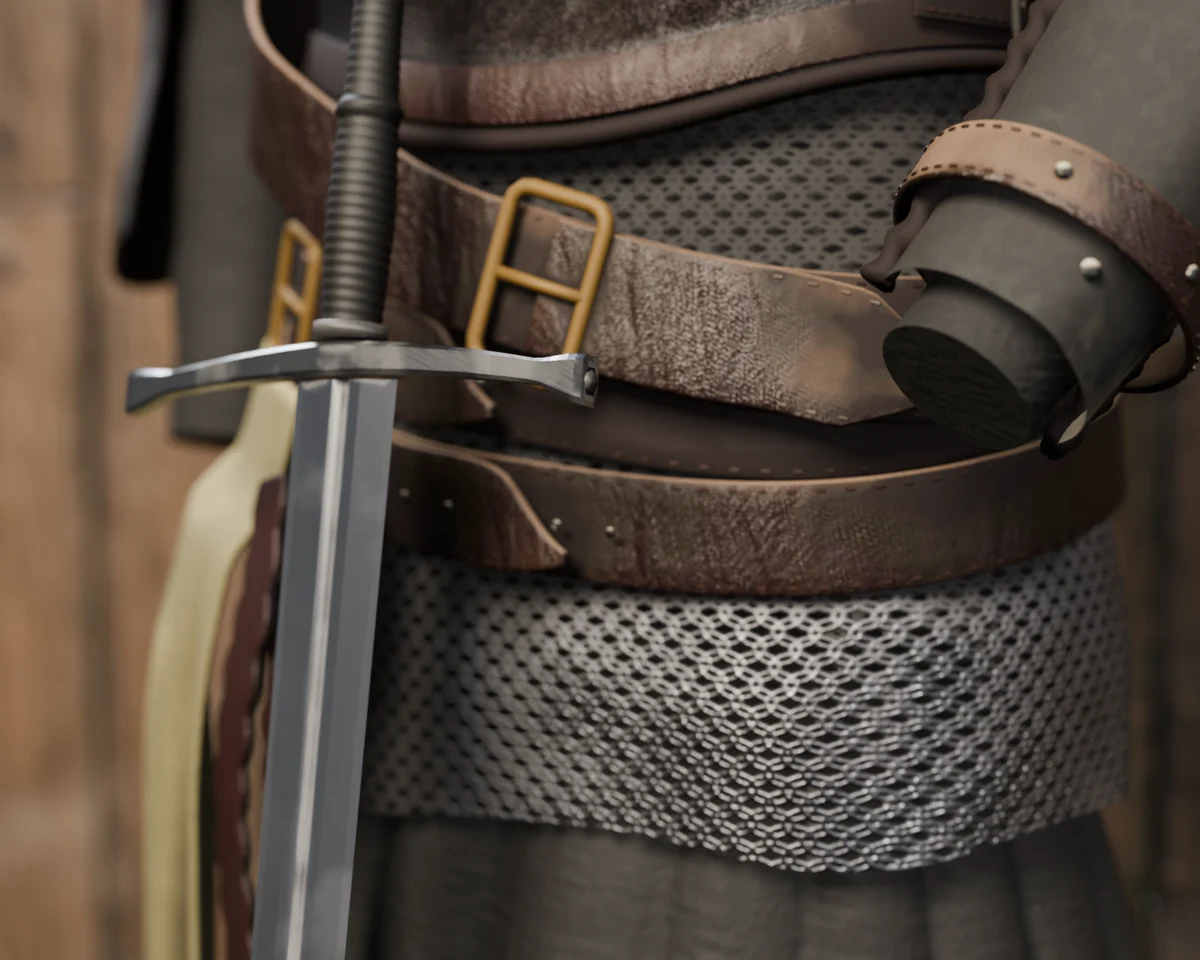
Chainmail with real holes
Eleven new materials —woods, stones, fabrics and leathers— plus chainmail, which opens its holes in the alpha: what is underneath shows through, in the viewport and in every export.
A model without UVs opens and gets painted
A scan or a model that comes without an unwrap is unwrapped by the app on opening, and the project saves it: touching up the model later does not shift the painting. It reaches the .blend and the GLB too.
The pen feels pressure
With a Windows Ink tablet, pressing lightly shrinks the stamp or lowers its opacity, with your own curve. The pen buttons open the brush quick menu, orbit or switch to the eraser while held.
18
Ready-made brushes
Airbrush, pen, chalk, sponge, splatter, rivets, stitches, weld… They change the shape of the stroke, and your current brush can be saved as one of yours.
23
Procedurals, with four projections
Tileable patterns built from a recipe, not from files, and a PBR layer that projects triplanar, planar, cylindrical or spherical, measured on the model.
36
Stencil letters
A to Z and 0 to 9, with their bridges, plus thirteen hard-surface and grunge brush tips.
Clear coat, sheen and anisotropy, by zone
The material finish, in the viewport and in every export. A layer marked «Finish» leaves its weights where it paints: the walnut loses its varnish where it wore away.
New filters and blend modes
Gradient map, replace colour, high pass, outline, invert height and bevel. And subtract, divide, exclusion, colour burn, colour dodge and soft, hard and linear light.
A history you can see
The Edit menu names every step —«Paint on Rust», «Apply Polished gold»— and one click goes back to any of them.
The smart brush paints the whole material
New in 2.3.5. The stroke reveals the material with its grain, wear and grime, like a paint mask, and one Ctrl+Z takes away the material and the stroke together.
Nuts, rivets and screws in a row
New in 2.3.5. The Stroke tool stamps any tip from the catalogue, yours included, along the path: one at each point and with its relief. And every tool has its own right-click menu.
Godot 4 and MaterialX
Godot 4 joins the engine presets, and every export also leaves a MaterialX (OpenPBR) file with the same maps. The viewport adds film grain and depth of field.
Maps baked somewhere else
An occlusion, curvature or thickness map baked in Marmoset or Substance is imported from the oven and touched up like the baked ones. And the mask generators add chipped breakup, scratches and stains measured on the model.
03 · The viewport
Traced shadows and reflections, while you paint
On a card with hardware ray tracing, the viewport adds the key light's shadow and the model's own reflection. Drag the line: on the right, the horns cast their shadow on the head and the mouth darkens inside.
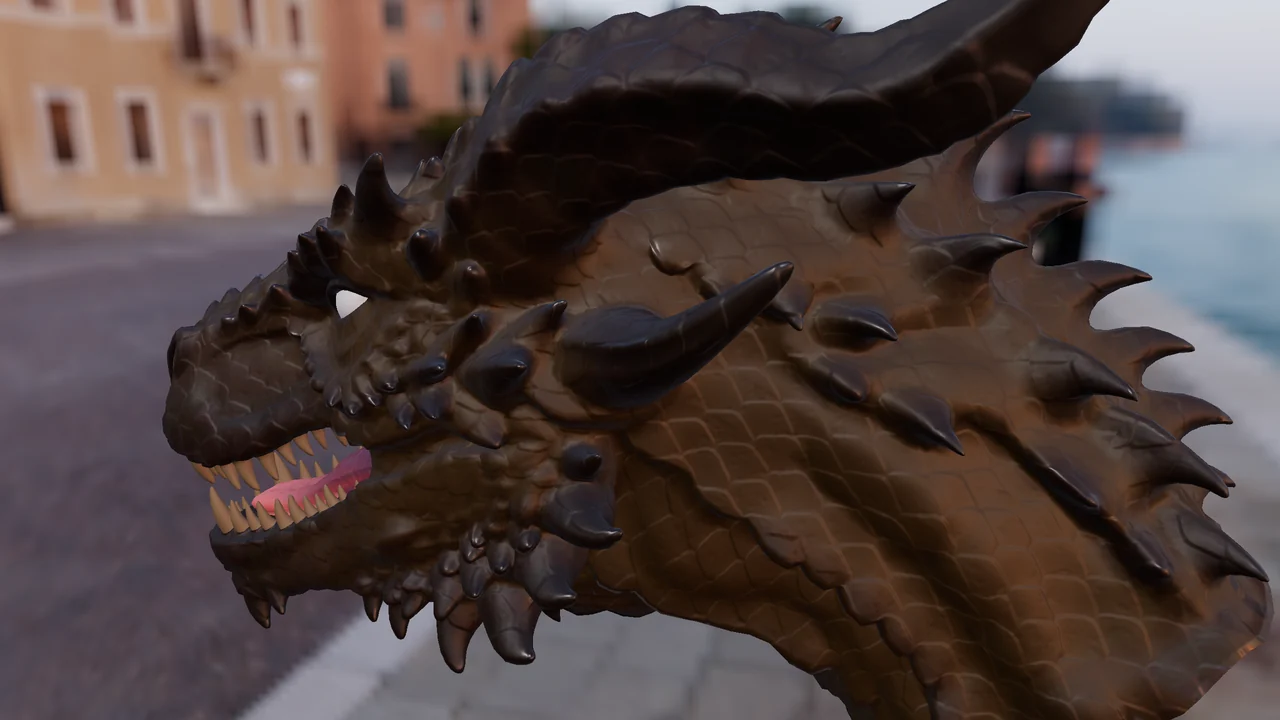
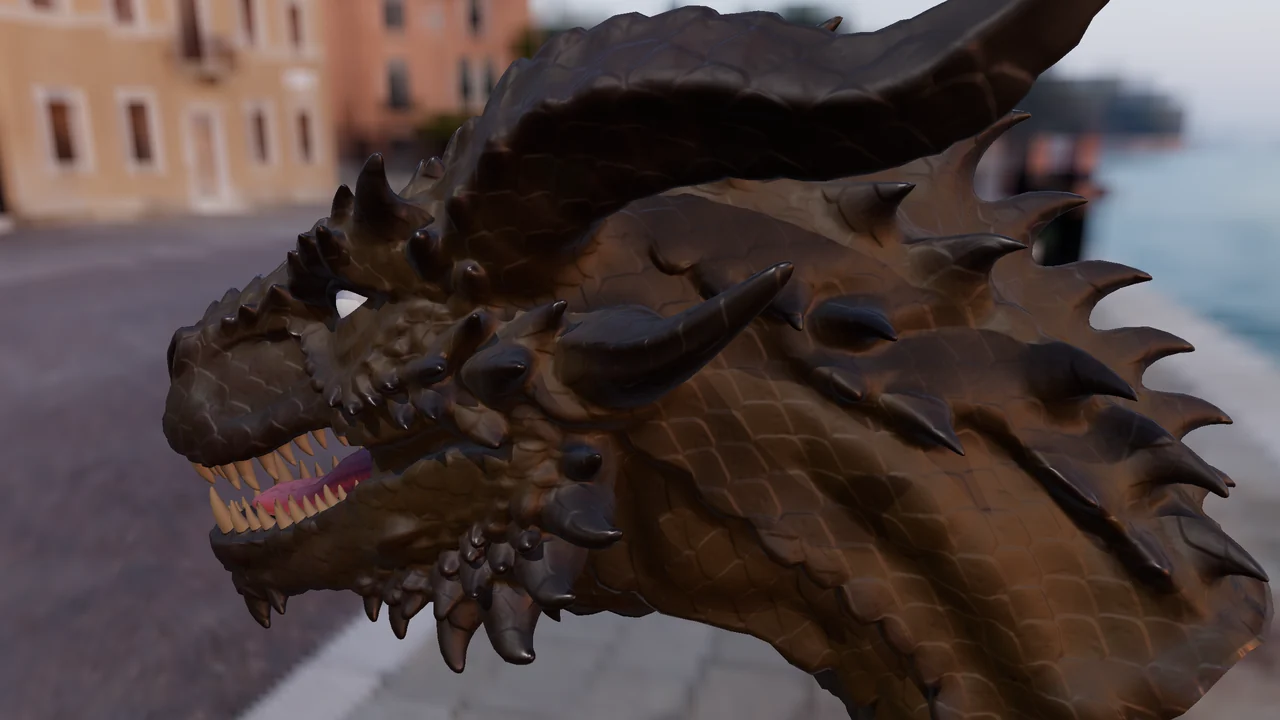 OffOn
- Fast while you paint
- Medium and High, which refine with the view still
- Optional: needs an RTX-class card
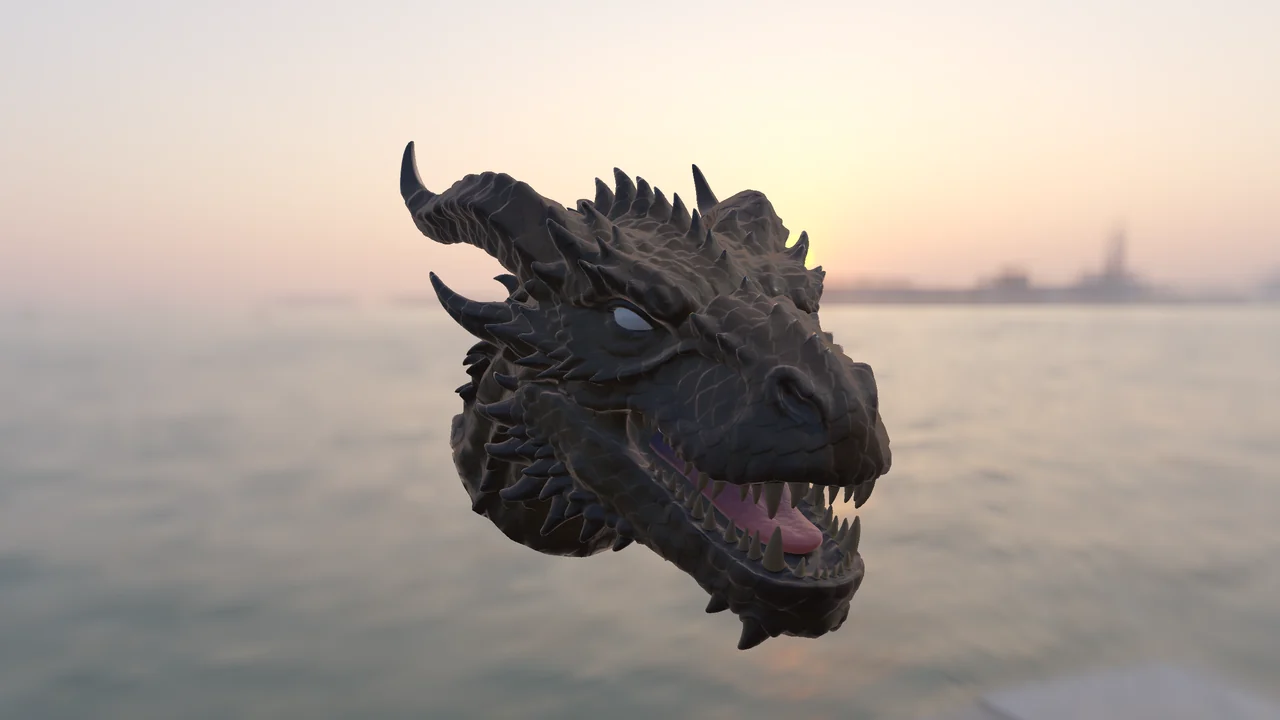
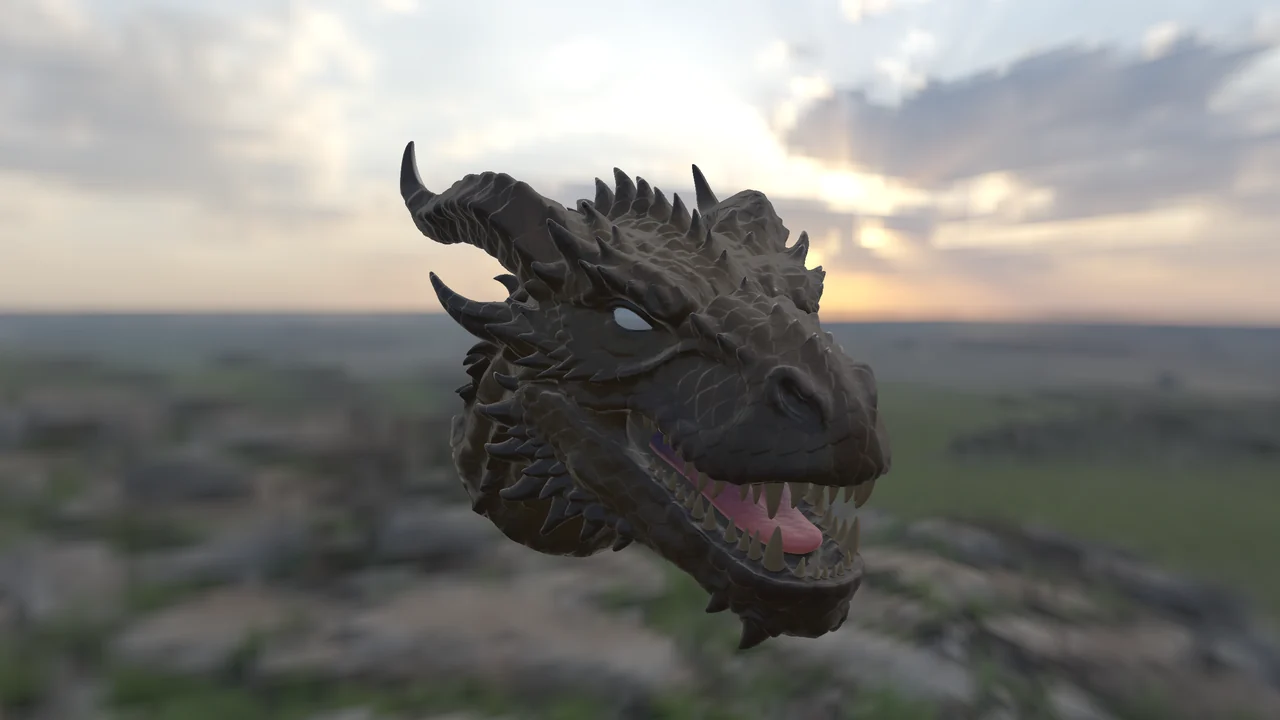
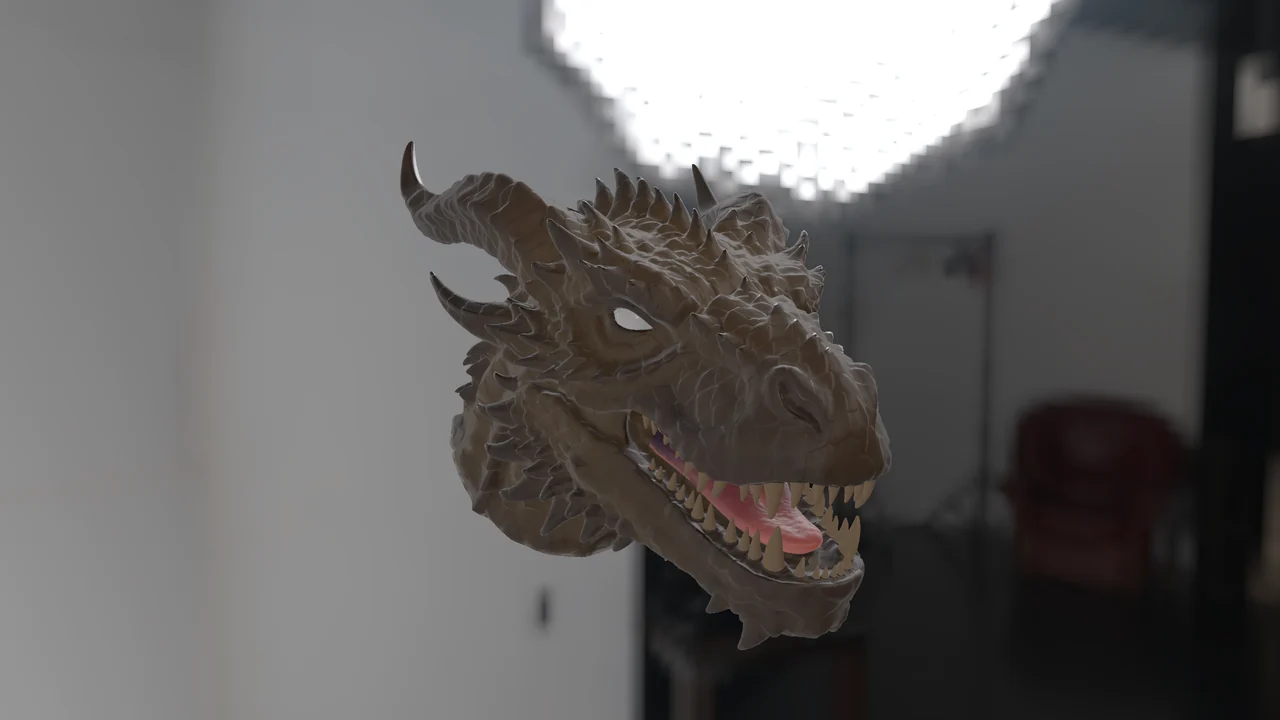
Any sky, in the background and in every reflection
The same dragon under three HDRI skies. Change the environment from the viewport bar: rotate it, raise or lower its intensity, blur it or show it as the background. Bring your own in .hdr or .exr.
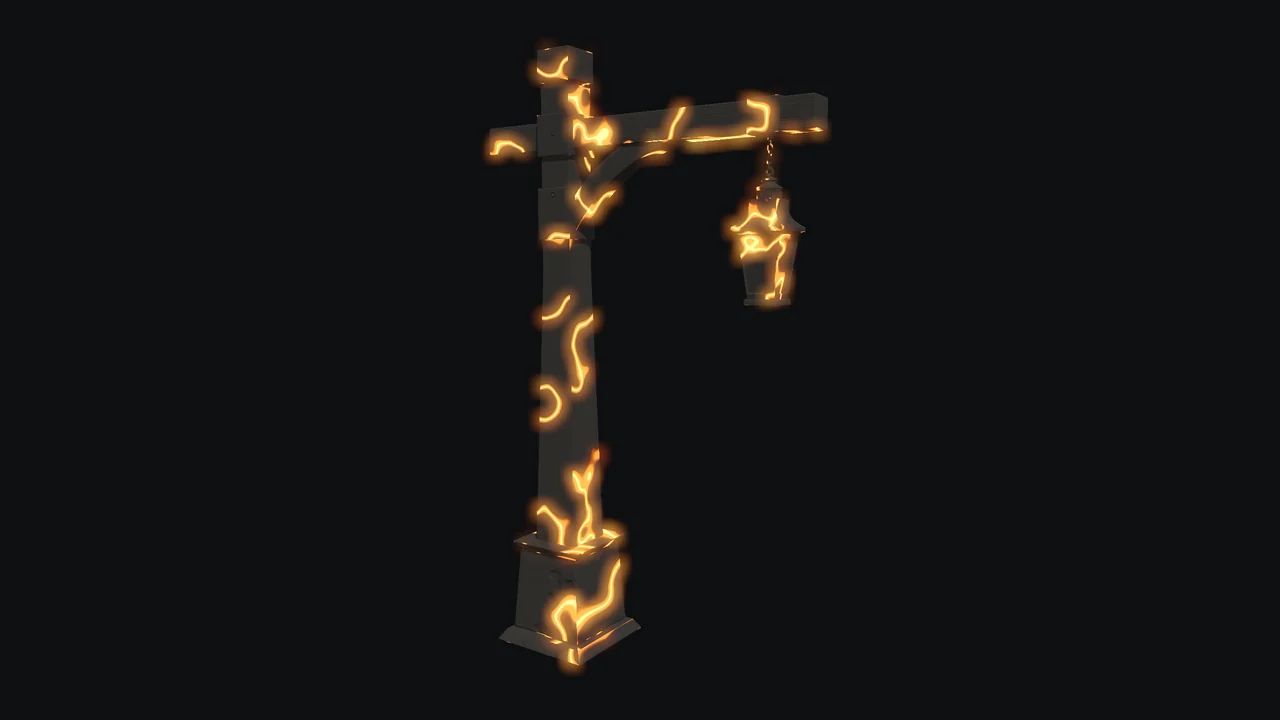
Things that glow, and light that passes through
Any layer can emit light, in its own colour or as pure glow, and the viewport shows it with Bloom. The Lights family brings neon, a lit screen, lava, red-hot metal and RGB LED.
And a layer can be translucent: skin lets light through the thin parts, tinted by its own colour. Emission and translucency go out in the GLB, in the .blend and to the engines.
04 · The catalogue
42 smart materials that adapt on their own
Each one comes in as a group of layers with wear, pattern, intensity and seed controls, and rebuilds itself on the geometry of your piece. The brush also paints with them. Here are some, drawn by the app:
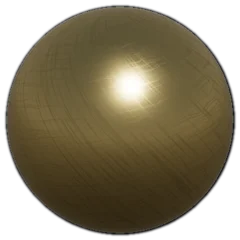 Polished gold
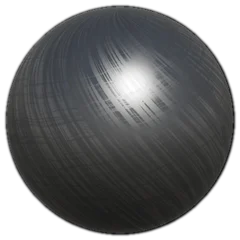 Brushed steel
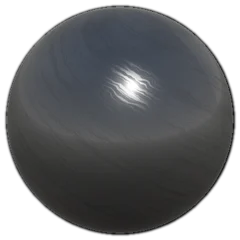 Chrome
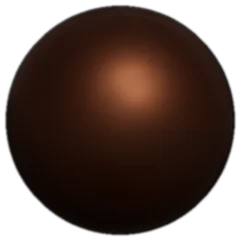 Aged copper
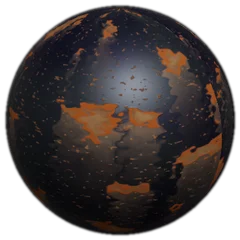 Rust runs
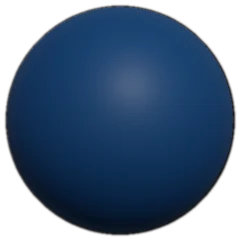 Painted metal
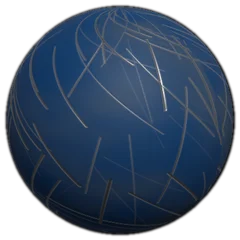 Painted and scratched metal
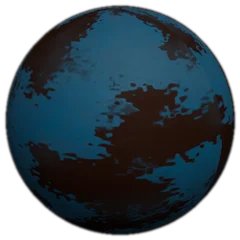 Chipped paint
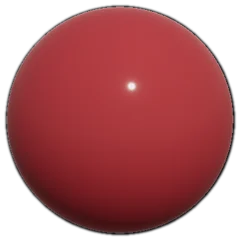 Glossy enamel
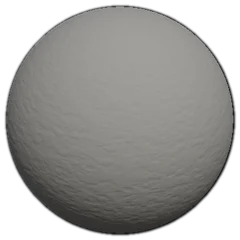 Concrete
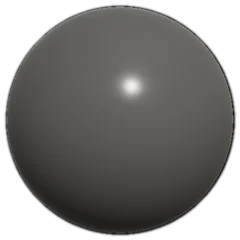 Polished concrete
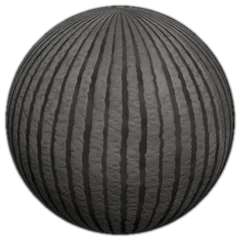 Combed concrete
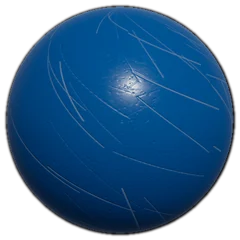 Scratched plastic
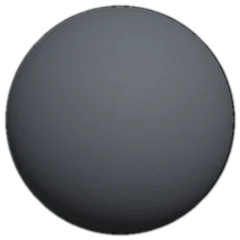 Matte plastic
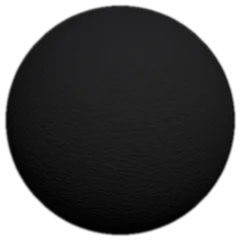 Rubber
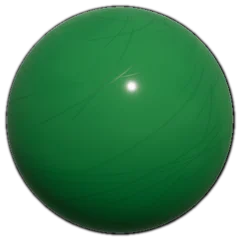 Glossy plastic
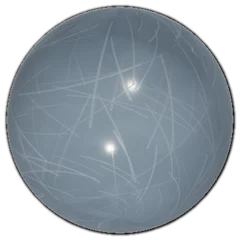 Transparent plastic
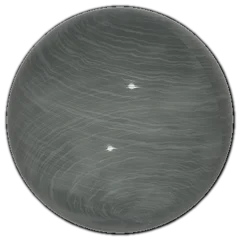 Glass
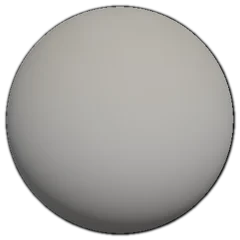 Settled dust
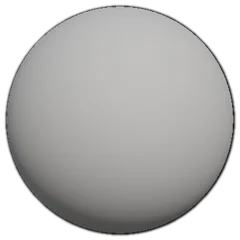 Grime in cavities
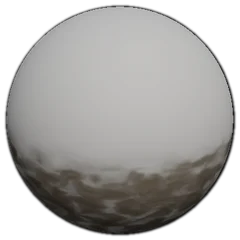 Splashed mud
 Neon
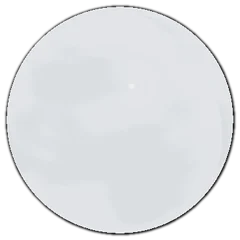 Lit screen
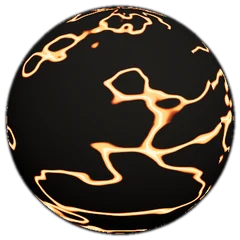 Lava
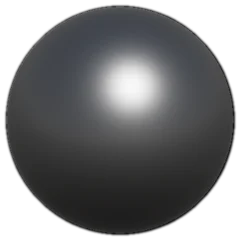 Red-hot metal
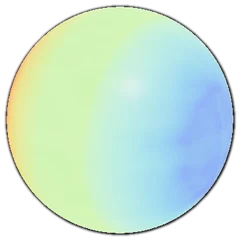 RGB LED
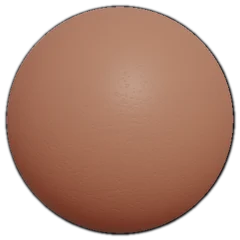 Skin
And your own PBR library
Import PBR texture sets and MaterialEX copies them into its own folder, sorted by category. From there you paint and project with them, with up to five maps per set: colour, roughness, metallic, height and the opacity of a grille.
05 · The interface
Everything at hand, around the viewport
The layers on the right, the tools on the left and the dock underneath: materials, masks, decals, brushes, brush tips, stencils and skies, with search and favourites.
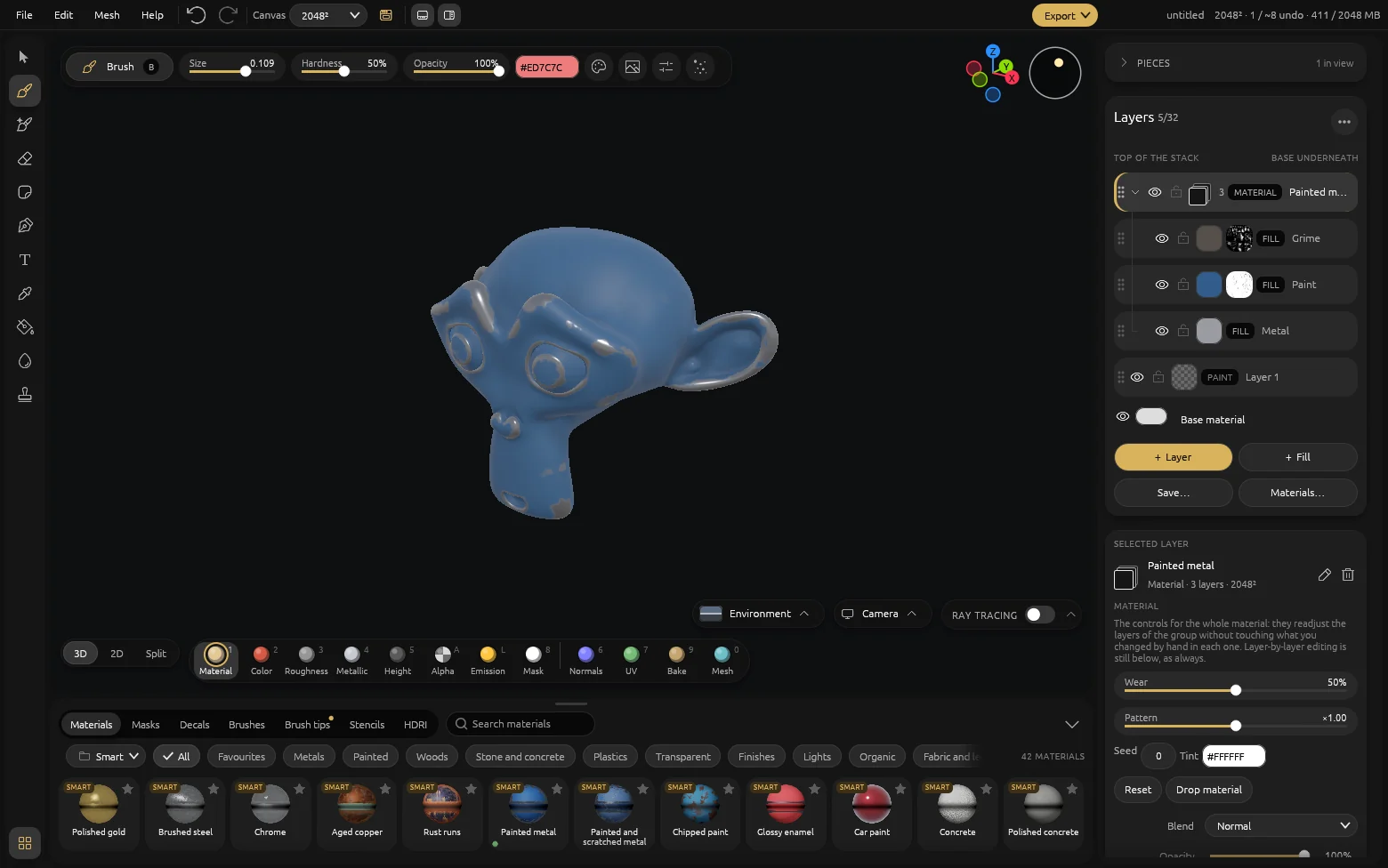
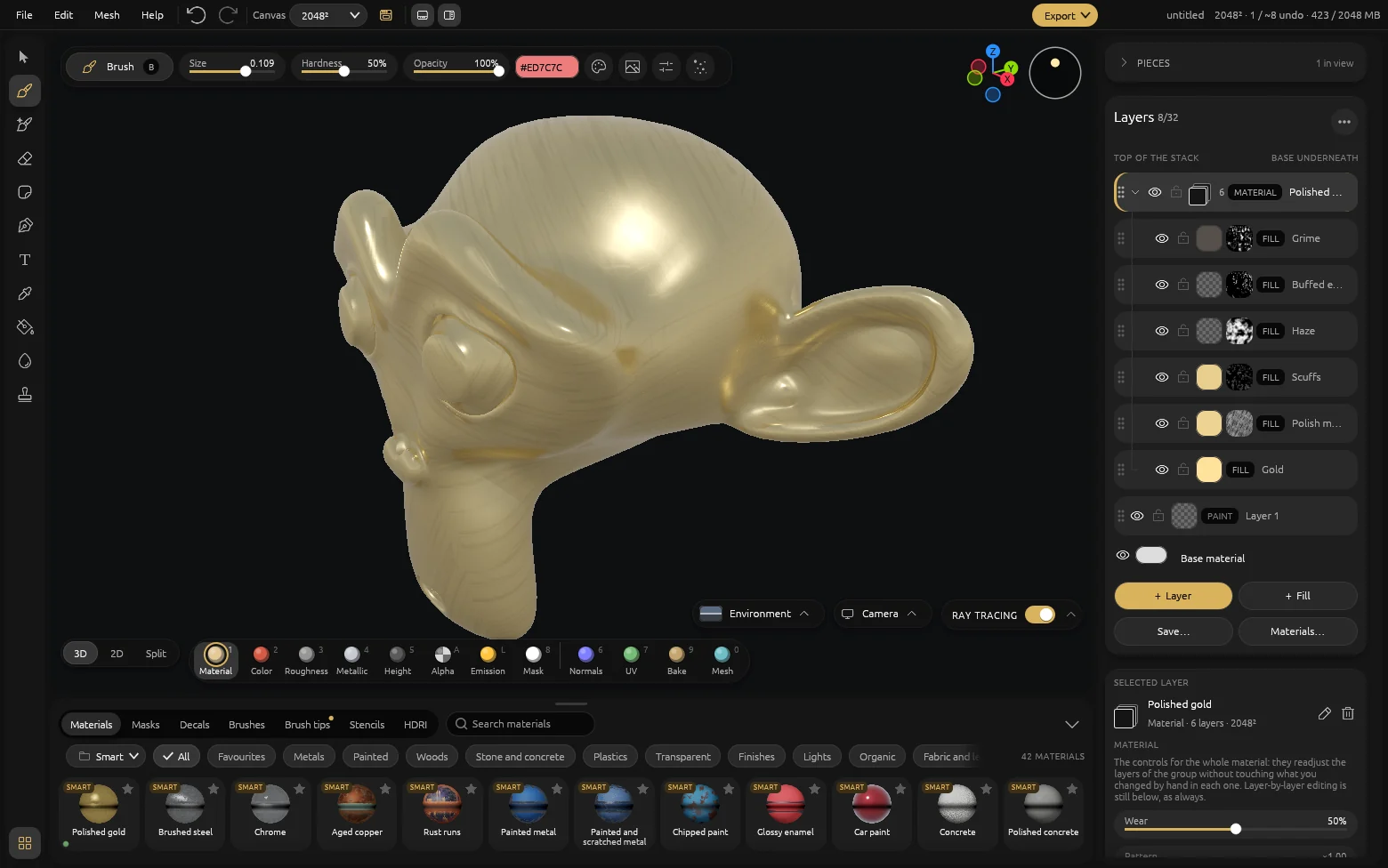
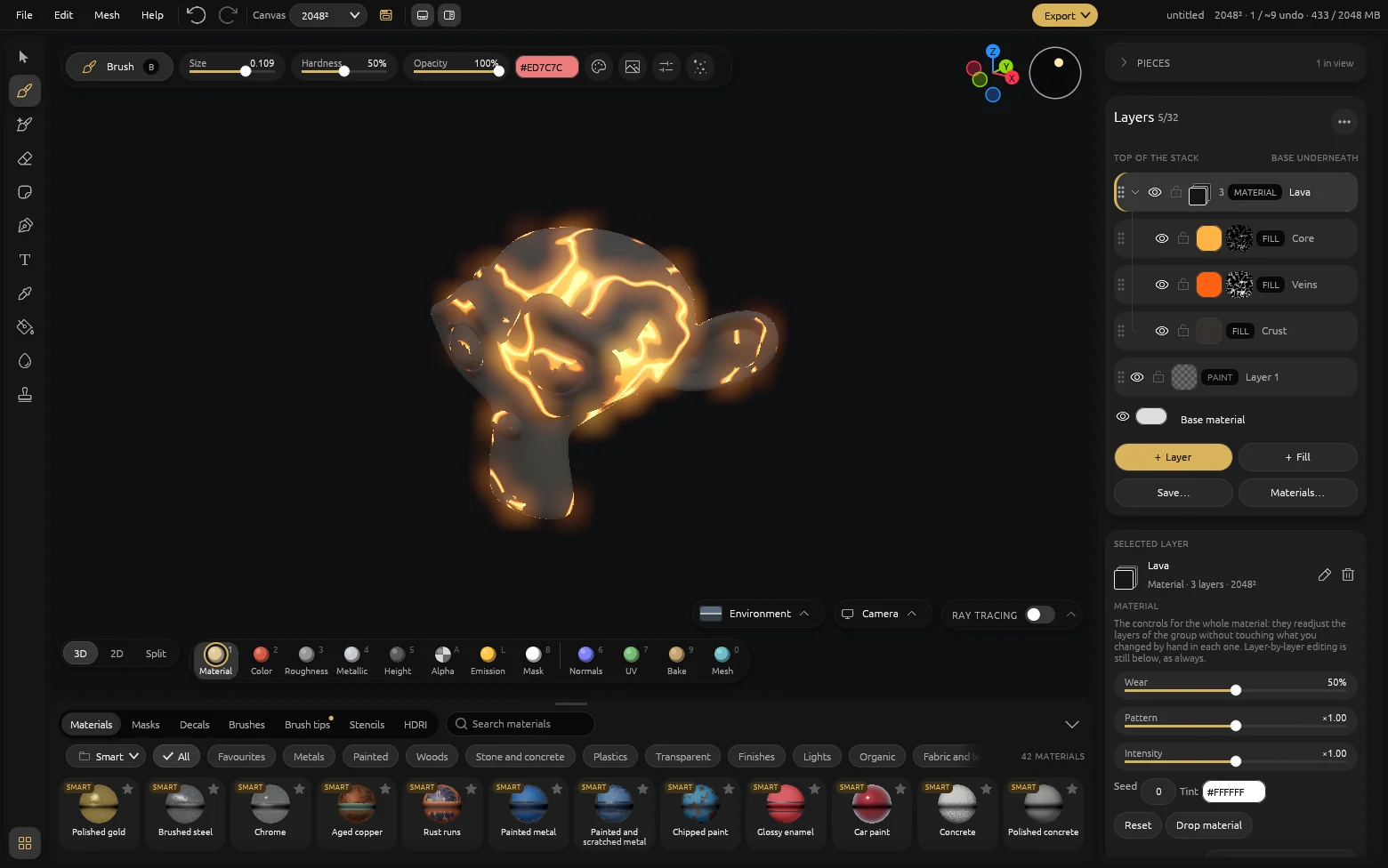
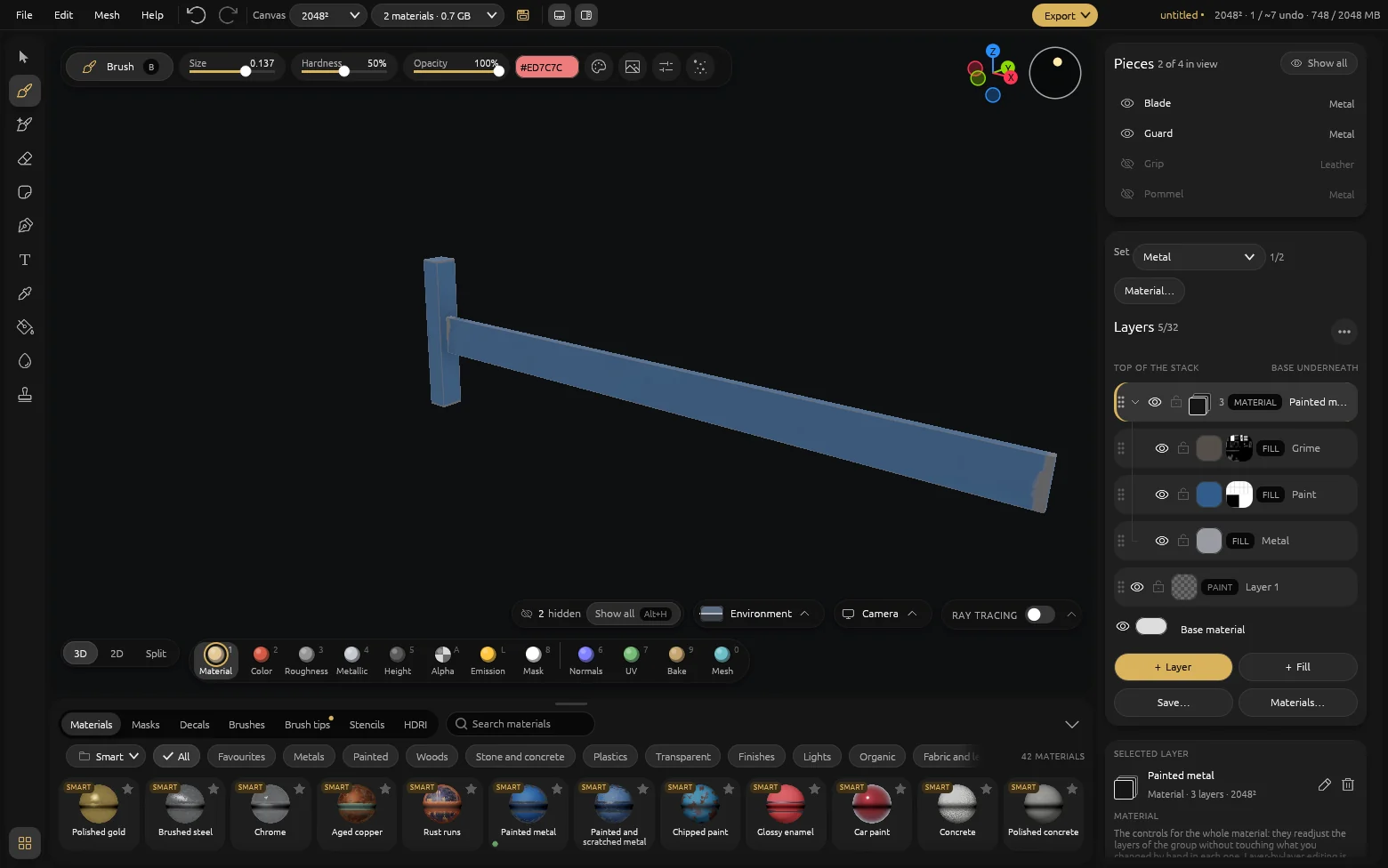
A material is a group of layers. Its controls —wear, pattern, seed, tint— readjust the whole group without touching what you changed by hand in each layer.
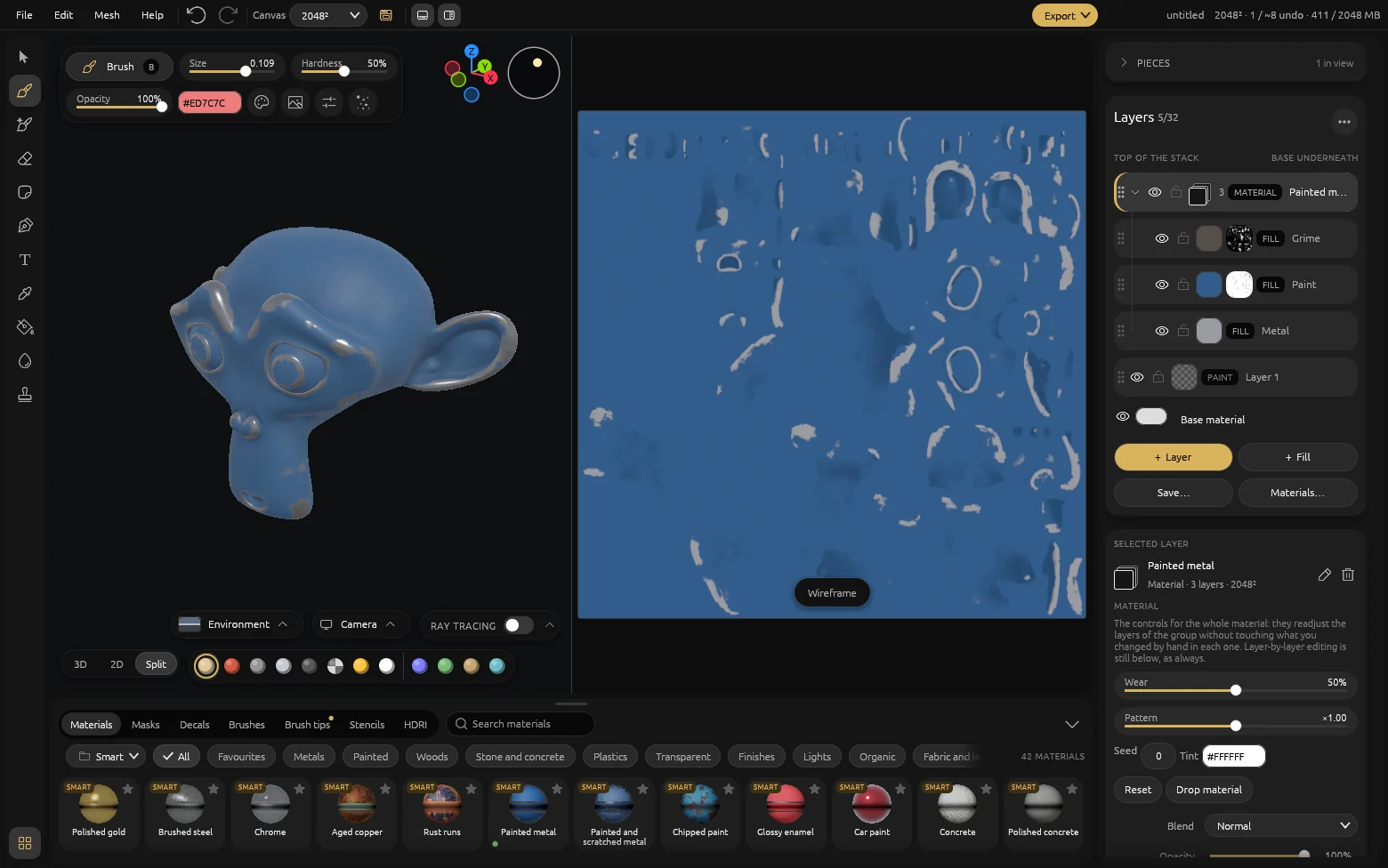
3D, 2D or both. The eleven channels at the foot of the viewport show the material, each map on its own, the normals, the UVs or what was baked.
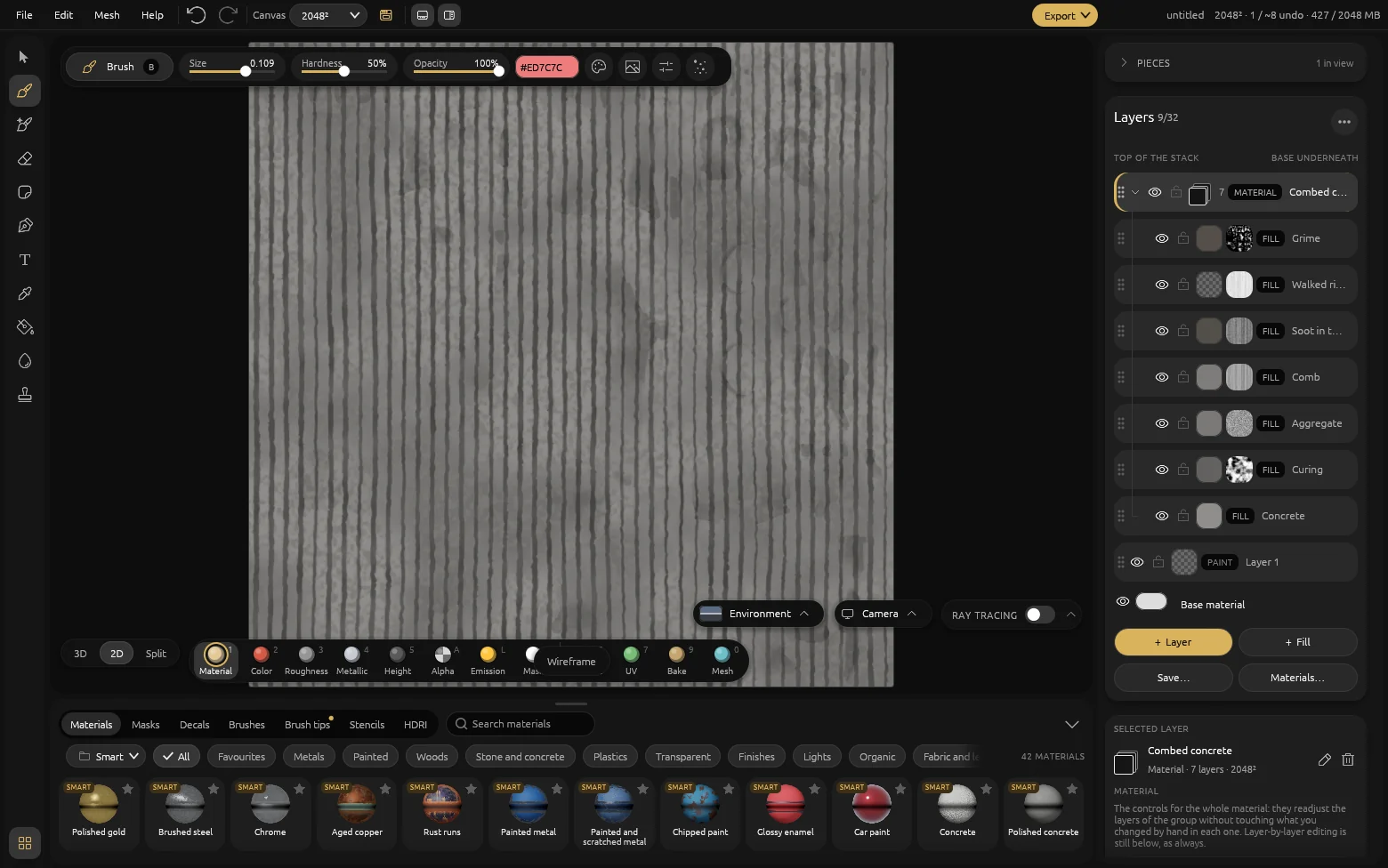
Paint on the unwrap too. The 2D view shows the texture as it will be exported, UDIM tile by tile, each with its own resolution.
One switch. Ray tracing turns on from the viewport bar, next to the environment and the camera, and drops to Fast while you paint.
Lights have their own control. The Lights family adds Intensity to the material controls, and the Emission view shows only what glows.
Piece by piece. Hide, isolate or rename each mesh with Blender's keys. What is hidden does not get painted, but it is baked, exported and saved in full. A textured GLB opens with each material as a «From the file» layer, and you paint on top.
06 · Every day
And everything you use every day
Five channels per layer
Colour, roughness, metallic, height and alpha, each with its own coverage and blend mode.
Baking
Curvature, occlusion, thickness and height from your mesh, and the normal map of a high-poly sculpt. Then touch up the baked maps with the brush.
UDIM
Each tile with its own texture and resolution. A stroke crosses from one tile to the next.
Decals, text and strokes
Projected or laid onto the unwrap, with your installed fonts, and node paths for seams, rivets and cables.
Generated masks
Edge wear, grime in crevices, dust from above. They rebuild themselves when you move a control.
8K documents
Layers only take up video memory where you paint, and you set the ceiling.
Holes and glass
The alpha opens the surface and makes it translucent, and it travels to the GLB and the engines.
.mtex projects
A readable zip on your disk, with one PNG per texture. No cloud and nothing to expire.
07 · Export
Your textures, ready for the engine
PNG textures with their manifest and the packed map in the channel order each engine expects, with emission, translucency and the finish included. Each preset is the starting point for your own.
Unreal
ORMOcclusion, roughness and metallic in one map, with the normal map in DirectX.
Unity
HDRP · URP · Built-inThe HDRP mask map, or the URP and Built-in maps with their emission.
Godot 4
ORMThe ORM map of the ORMMaterial3D, with the normal map in OpenGL.
glTF
GLBA self-contained GLB written by the app itself: it does not need Blender.
Blender
.blendBuilt by the Blender you already have installed, with the textures packed inside. With the viewport's studio if you want it —sky, light and camera— or just the model.
MaterialX
OpenPBREvery export leaves a .mtlx file next to the textures, naming the same maps.
What you need
| Requirement | Minimum | Recommended |
|---|---|---|
| System | Windows 10 2004 | Windows 11 |
| On Steam, also | 64-bit Linux from 2019 on (glibc 2.31) or SteamOS, with a Vulkan-capable card and driver | |
| Video memory | 2 GB | 8 GB |
| Memory | 8 GB | 16 GB |
| DirectX | 12 / FL 11 | 12 / FL 11 |
| Ray tracing | Optional | Hardware ray tracing and Vulkan (e.g. NVIDIA RTX) |
| Opens | glTF, GLB (WebP textures too), .blend, .mtex and .mmat | |
US$8.99
Microsoft Store · Windows
US$12.99
Steam · Windows and Linux · from 1 December
Once, and it is yours
- No subscription and no renewals
- No accounts and no cloud: it works offline
- Your work stays on your machine, in files you can open
Frequently asked questions
Is it really a Substance Painter alternative?
Yes. It covers the core workflow most artists use every day: painting PBR maps directly on the 3D model and exporting them ready for the engine. It is not an exact clone; it is an alternative focused on the glTF and GLB pipeline at a one-time price.
How much does it cost?
US$8.99 on the Microsoft Store and US$12.99 on Steam, where it releases on 1 December 2026. On both it is a single payment: no monthly fee, no automatic renewal and no yearly cost.
Does it work offline?
Yes. The app downloads once, and then all painting, rendering and export happen on your machine. It needs no active connection, no user account and no cloud services.
Which engines does it export to?
It exports to glTF and GLB, the industry standard, and builds the texture packages for Unreal, Unity and Godot. With Blender installed, it also exports .blend scenes.
What operating systems does it run on?
Windows 10 and Windows 11, from the Microsoft Store. On Steam, where it releases on 1 December 2026, it also runs on Linux and SteamOS, with a graphics card and driver that support Vulkan. It is a native app: no emulators, no browser in between and no unnecessary weight.
Do I need a ray tracing card?
No. Ray-traced shadows and reflections turn on with cards that have hardware ray tracing, such as NVIDIA RTX. Without one, the Ray tracing button stays off and everything else works the same.
Can an AI assistant use it?
Yes. MaterialEX includes an MCP server: Claude, Cursor or any compatible assistant can open a model, bake it, apply materials and export it with a recipe. The assistant only writes the recipe; the work happens in MaterialEX, on your machine. MaterialEX does not generate anything with AI.
Is the license forever?
Yes. You pay once and the app is yours permanently. There are no renewals, you do not lose access if you never buy anything again, and your work always stays on your machine.




IARC rating: suitable for all ages in every market.

Who makes it
About me
I'm a product designer with more than ten years in the 3D industry. Tired of paying for licenses and subscriptions just to texture a model, I wanted to bring this kind of software to more people: a serious tool you buy once and keep.
I'm a Chilean dad, a tech enthusiast and an animal lover. I built MaterialEX with a lot of care, for the community.
Why do I charge for it? MaterialEX is my personal project, and I'd love to work on it full time to keep refining it and adding features. Every purchase brings me closer to that.
Alex NovoaTemuco, Chile